Instructions For Signing Up For Reseller Nano
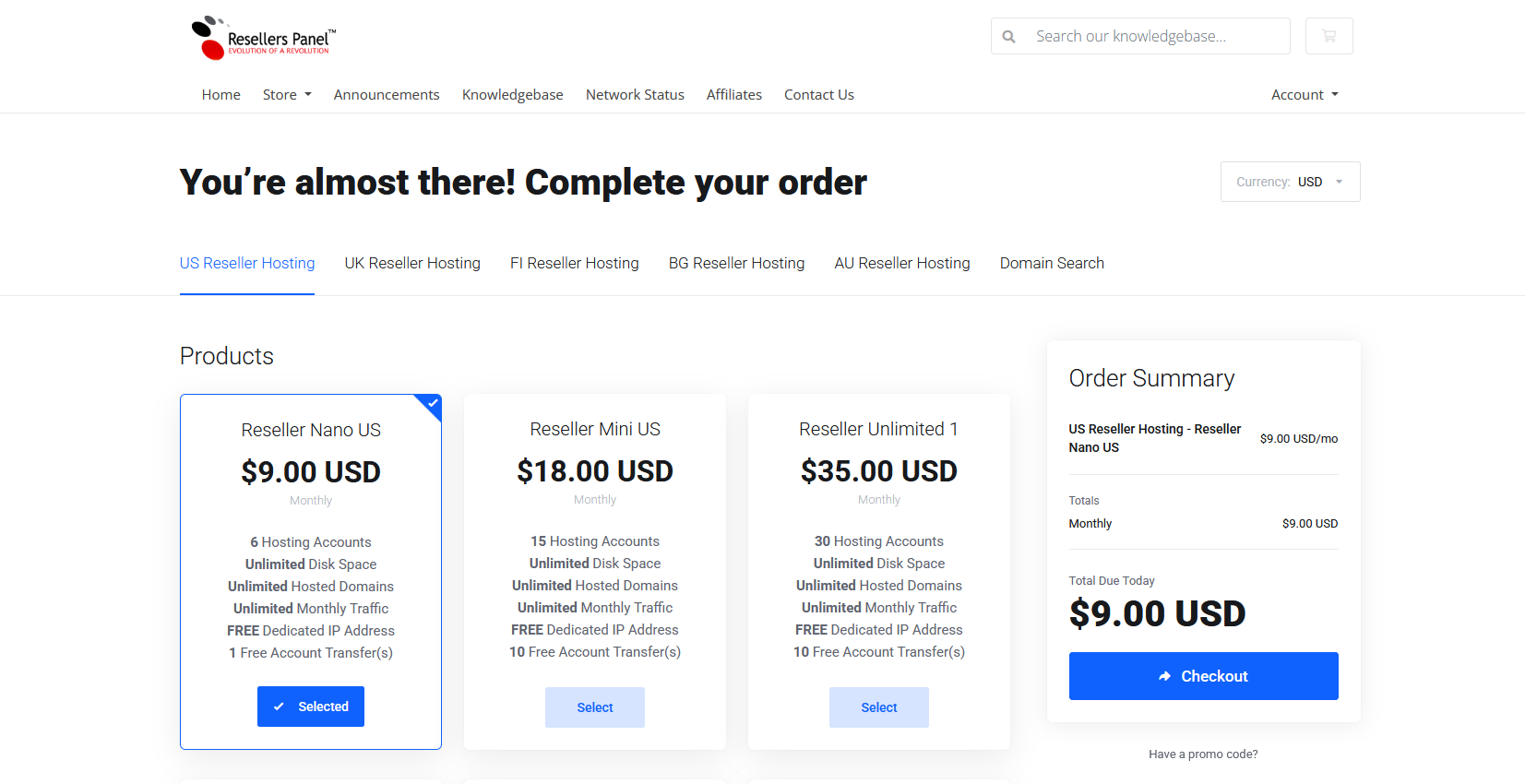
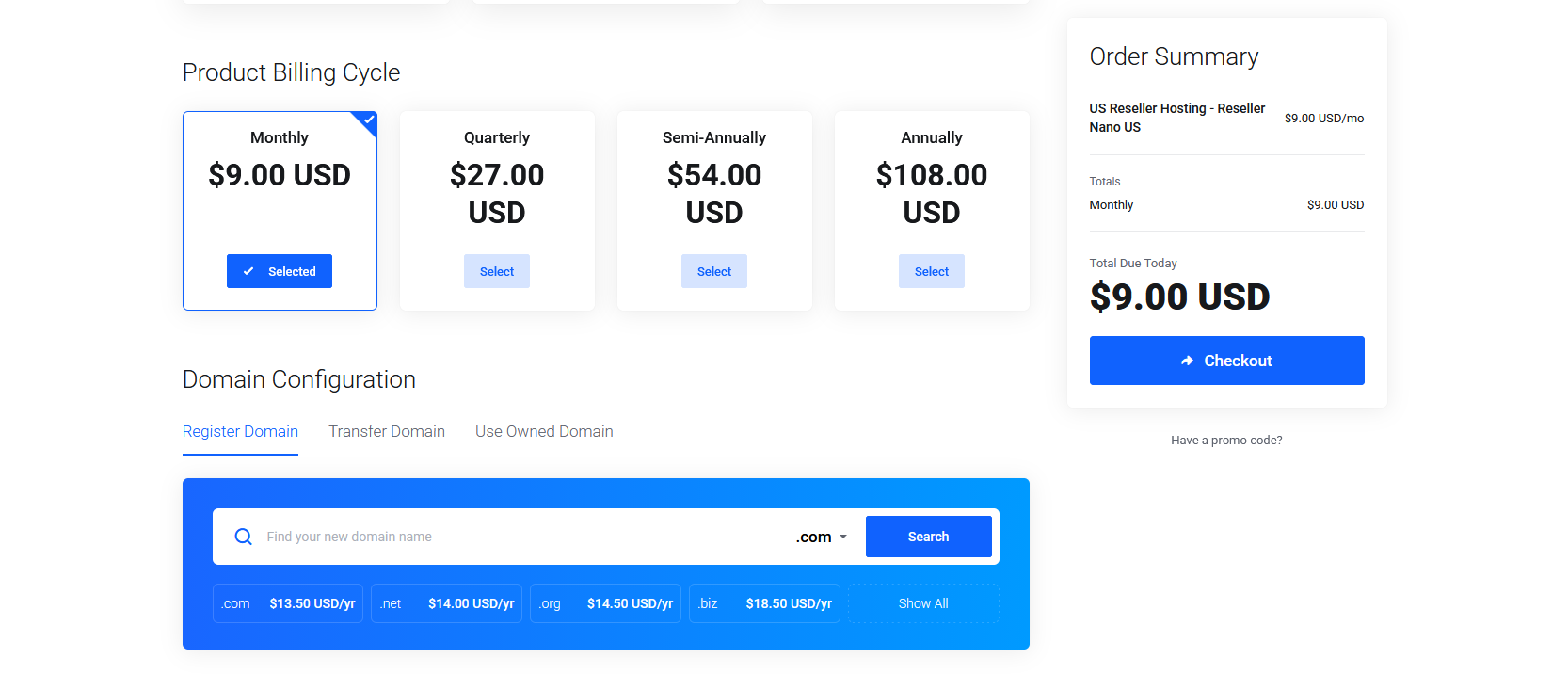
1. Choose a Domain Name For WHM (Web Host Manager). Not the domain you will use for your website, add that domain to your cart.
(You can purchase any domain for your WHM but I recommend purchasing a similar name of your website domain or you can purchase the .org version of your website domain.)
2. Once you have purchased the Nano Reseller US and you login to your control panel, then purchase the domain you will use for your website. (If you already have your domain I will use in to setup your hosting for that domain. ( I would recommend starting with the monthly subscription for now. You can change to quarterly, semi-annually or annually later if you choose. (There is a free money back guarantee if you are no 100%t satisfied.}
3. If you prefer before you purchase your Nano Reseller Hosting account please call me at (806) 283-6347 and I will walk you through the process of purchasing your reseller hosting.
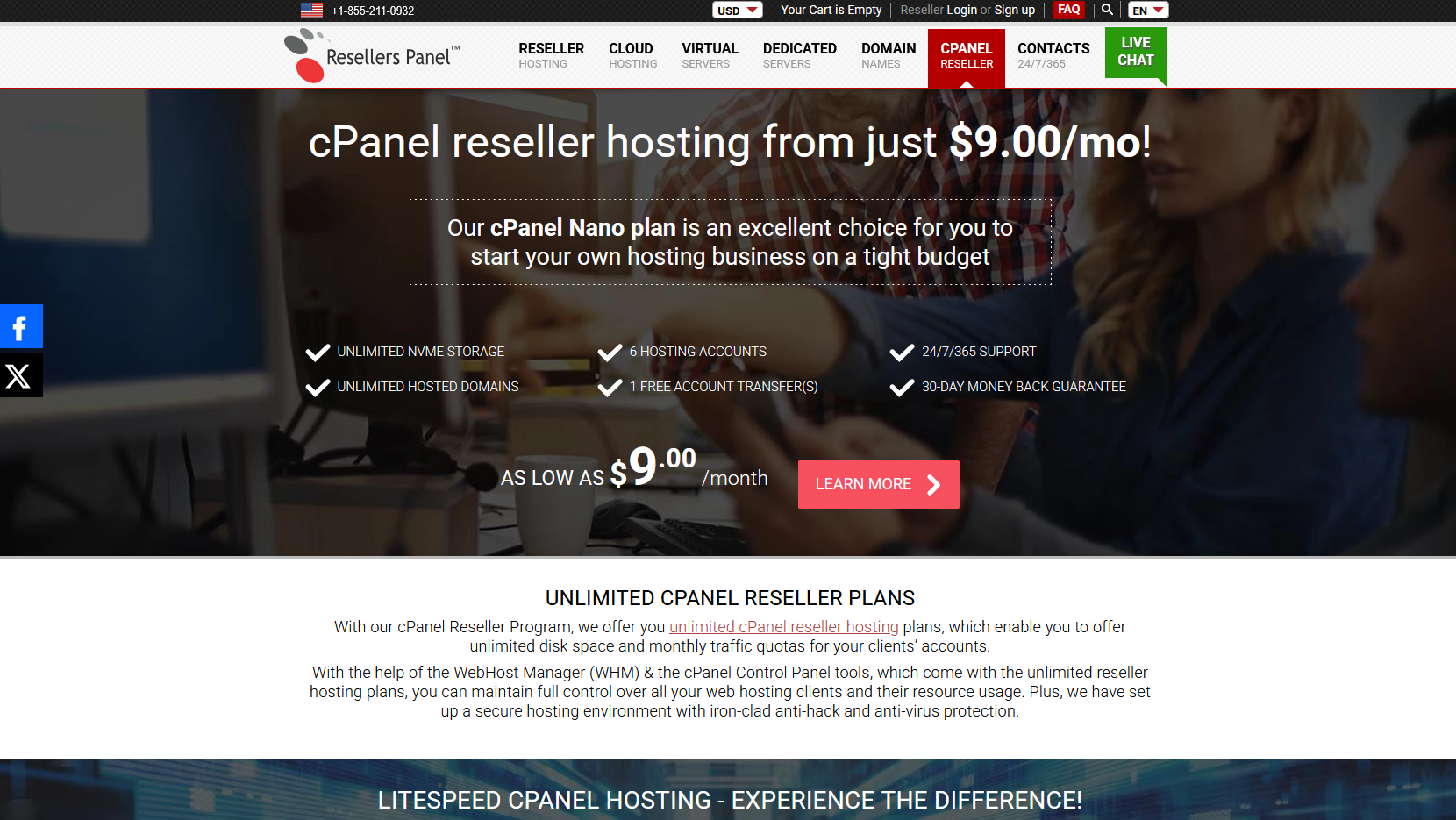
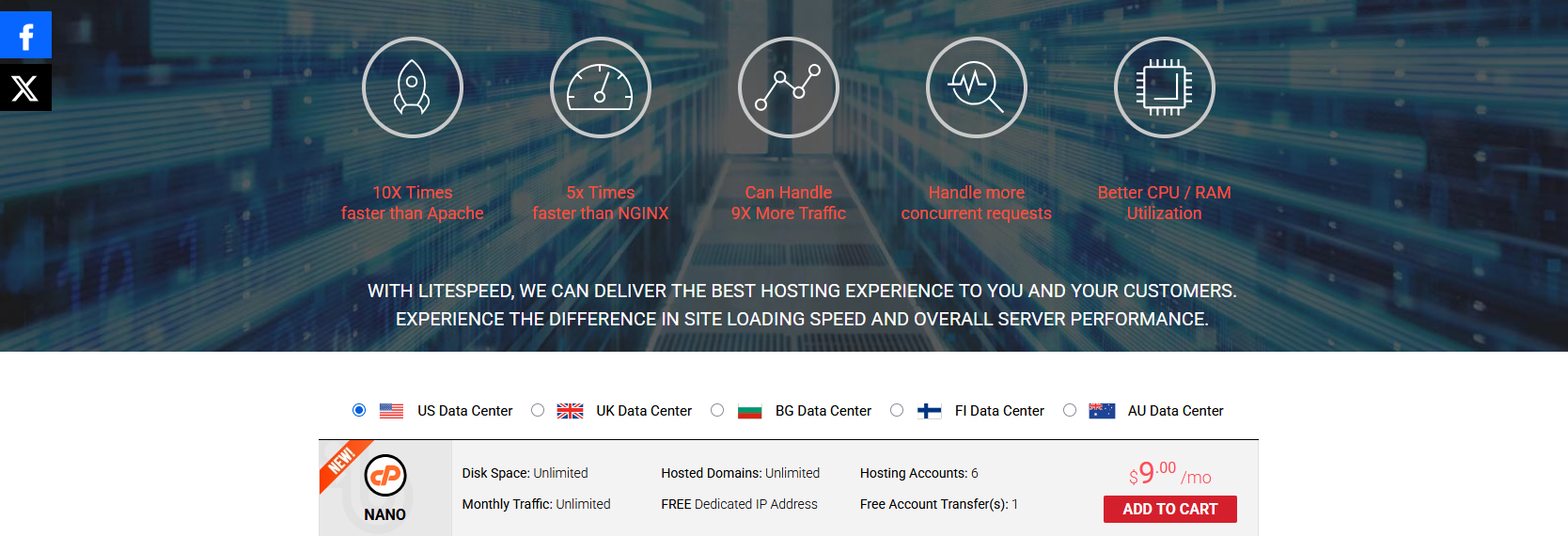
Link To Signup For Reseller Nano US https://www.resellerspanel.com/cpanel-reseller/
Or Click The Above Graphic